
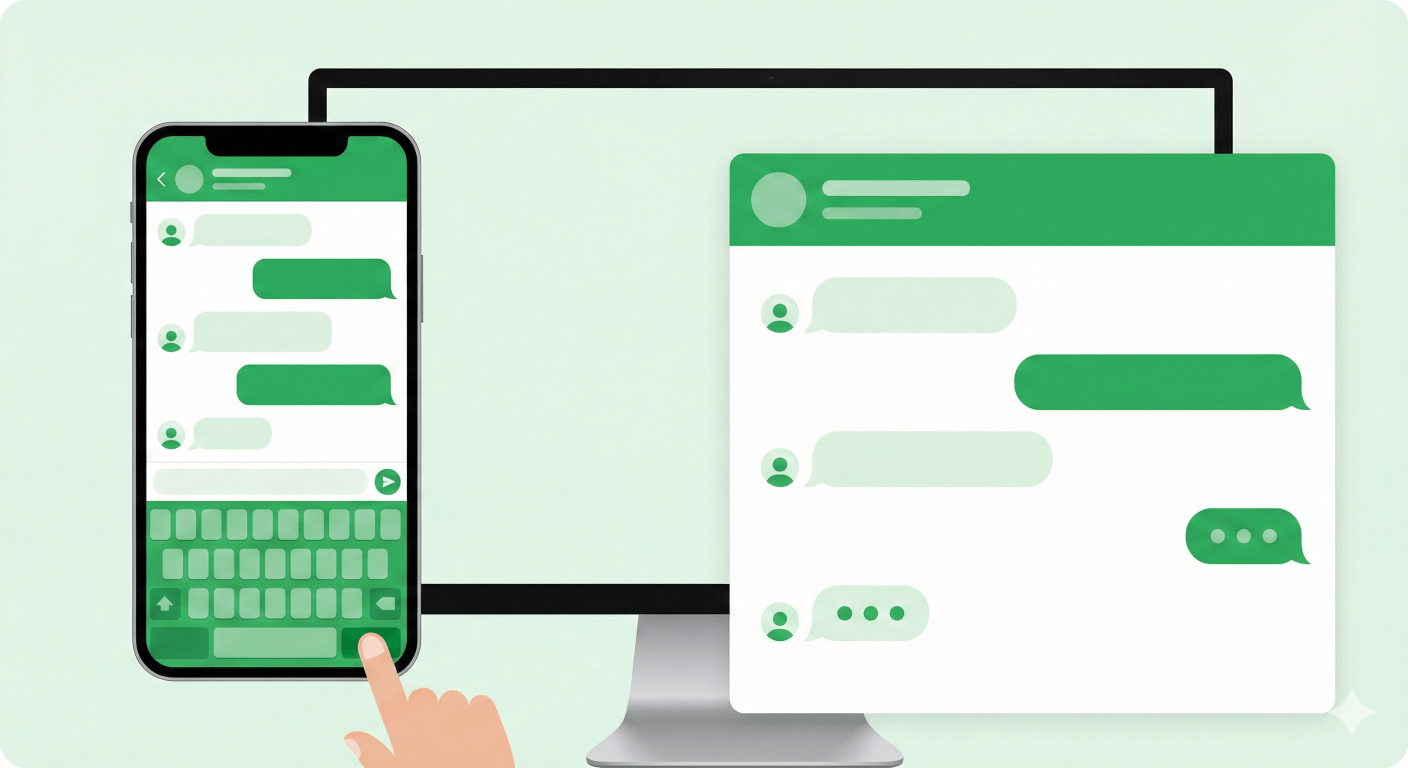
When a customer lands on your website, they often have doubts. "Is this site real?", "Will they answer my questions?", "Is there a human behind this?"
A simple link usually isn't enough to reassure them.
This is where a WhatsApp Chat Widget comes in. Unlike a simple button, a widget simulates a real chat experience. It shows a friendly face, a name, and a welcoming message before the user even clicks.
Statistics show that showing a "human" presence on a website can increase conversion rates by up to 20%.
In this guide, learn how to use our Free WhatsApp Chat Widget Generator to build a professional support interface for your site.
Why Use a Chat Widget?
A widget adds a layer of professionalism that a raw link lacks.
- Builds Trust: Seeing "Agent Sarah" with a photo makes your business feel personal and approachable.
- Sets Expectations: You can add a subtitle like "Replies within 1 hour" so customers know when to expect an answer.
- Encourages Engagement: A welcome message like "Hi! Can I help you choose a plan?" invites the user to start chatting.
How to Configure Your Widget
Our tool lets you design every aspect of the widget to match your brand style.
1. Define Your Persona
Go to the WhatsApp Chat Widget Generator.
- Agent Name: Use a real name (e.g., "Alex") or a team name (e.g., "Support Team").
- Avatar: Upload a friendly photo or your company logo.
- Brand Subtitle: Add a trust signal like "Online Now" or "Official Support".
2. Craft the Welcome Message
The "Welcome Message" appears inside the widget body. Use this to guide the user.
- e.g., "Welcome to Store Name! Mention 'DISCOUNT10' for 10% off your first order."
3. Customize Style & Launch
Adjust the Header Color to match your brand's primary color. If your site uses blue, make the widget header blue.
Once you are happy with the Live Preview, click Generate Code. Just like our other tools, simply copy the HTML snippet and paste it into your site's footer.
Auto-Show Feature
Want to be proactive? Enable the "Auto Show" option in the settings. This will automatically pop open the widget a few seconds after the page loads, grabbing the visitor's attention immediately without being too intrusive.
Start Chatting Today
Upgrade your website from a static page to an interactive experience. Give your visitors the VIP support feeling they deserve.
How to Add a Floating WhatsApp Chat Button to Your Website (Free Tool)
Learn how to create and embed a custom floating WhatsApp Chat Button on your website. Use our free generator to boost conversions with a responsive, no-code widget.
The Ultimate Guide to WhatsApp Link Generators: Boost Your Business Conversion
Learn how to use a WhatsApp Link Generator to create free click-to-chat links, track analytics, and scale your support with Link Rotator and Smart Routing features.