La mayoría de las conversaciones de WhatsApp empiezan igual: "Hola, tengo una pregunta." Luego tu equipo pasa los siguientes tres mensajes averiguando cuál es realmente la pregunta. Un formulario previo al chat de WhatsApp existe para saltarse esa parte por completo.
Qué hace un formulario previo al chat
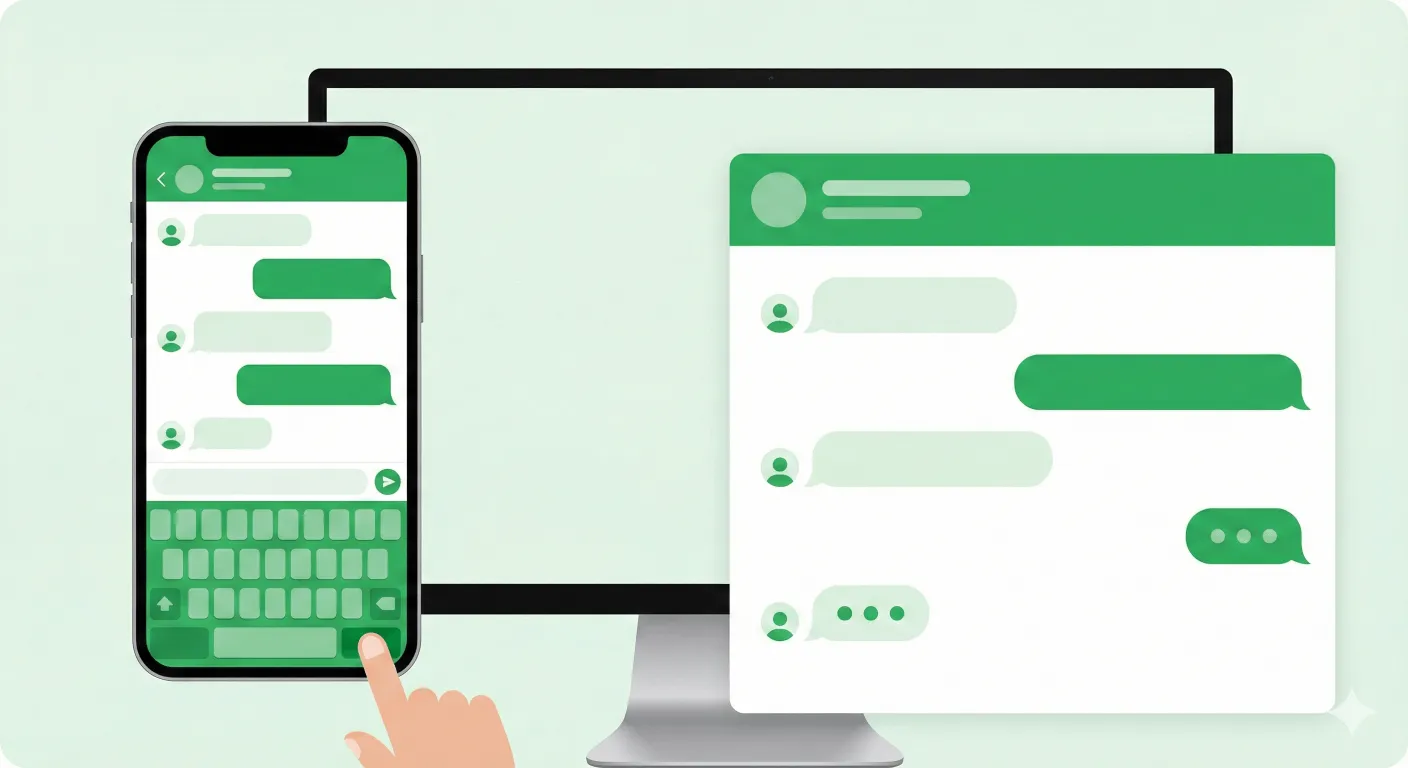
Un formulario previo al chat se coloca delante del chat, no dentro de él. El visitante responde algunos campos — nombre, necesidad, número de pedido, presupuesto, lo que decidas que es relevante — antes de que se abra WhatsApp. Sus respuestas llegan como un mensaje prellenado, así que lo primero que ve tu equipo no es "Hola," sino el contexto real que necesitan para responder de forma útil.
Por qué importa más de lo que parece
Filtra el ruido. No todo clic es un lead real. Un formulario corto filtra de forma natural los mensajes de "solo estoy mirando" que de otro modo le costarían una respuesta a tu equipo — quien no está dispuesto a responder dos preguntas probablemente tampoco iba a convertir.
Acorta el tiempo de resolución. En lugar de tres mensajes de ida y vuelta solo para identificar qué necesita el cliente, la primera respuesta de tu equipo ya puede abordar el problema real.
Estandariza lo que recopila tu equipo. Distintos agentes hacen distintas preguntas de seguimiento cuando improvisan. Un formulario pregunta lo mismo siempre, así que tus datos — y las transferencias entre agentes — se mantienen consistentes.
Reduce el cansancio de "solo estoy mirando." Los equipos de soporte y ventas que reciben una avalancha de mensajes de baja intención se agotan más rápido. Un formulario sube el listón lo justo para mantener el volumen manejable sin bloquear a clientes reales.
Tipos de pregunta que vale la pena usar
- Texto corto — nombre, empresa, necesidad específica
- Opción múltiple / desplegable — "¿En qué podemos ayudarte: Ventas / Soporte / Facturación"
- Número de pedido o ID de referencia — dirige las solicitudes de soporte directo al contexto correcto
- Fecha u hora — para solicitudes de cita o programación de devolución de llamada
- Presupuesto o cantidad — para calificar ventas antes de que un representante dedique tiempo al hilo
Dónde encajan los formularios con el resto de tu configuración
Un formulario es más útil combinado con una forma de enrutar realmente el chat resultante. Si un solo número no puede con el volumen, un Smart Link distribuye las conversaciones entrantes entre tu equipo. Si los clientes necesitan llegar a distintos departamentos, una página Multilink les permite elegir la puerta correcta antes de siquiera completar un formulario. Y un enlace de marca hace que toda la puerta de entrada se vea intencional en lugar de improvisada.
Para el argumento más amplio sobre por qué importa el contexto previo al chat como parte de una estrategia de contacto completa, consulta por qué tu empresa necesita una capa de contacto de WhatsApp con marca.
Formularios gratis vs. de pago
Algunas herramientas miden esta función directamente — Walink cobra actualmente $10/mes por formulario publicado, así que dos formularios activos ya suman $20/mes antes de agregar un tercero. Los formularios de WALink son gratis e ilimitados, sin cargo por formulario ni mensualidad. Comparación completa en WALink: la alternativa gratuita a Walink.
Cómo empezar
Crear un formulario previo al chat de WhatsApp toma unos minutos: elige tus tipos de pregunta, escoge un diseño de una página o por pasos, y publica. No se requiere registro para probarlo — crea un formulario de WhatsApp gratis y mira exactamente lo que recibe tu equipo antes de comprometerte con nada.
WhatsApp Multiagente Gratis: Reparte los Chats Entre Tu Equipo con Un Solo Enlace
Crea un enlace de WhatsApp multiagente que reparte automáticamente los chats entre tu equipo de ventas o soporte, número por número, sin pagar por una API costosa.
Página Multilink de WhatsApp: Un Solo Enlace para Cada Destino
Instagram y TikTok solo permiten un enlace en tu bio. Descubre cómo una página Multilink de WhatsApp permite que los clientes se dirijan solos a ventas, soporte o cualquier destino desde una única URL compartible.