
Instagram y TikTok te dan exactamente un enlace clicable en tu bio. Todo lo demás — tu WhatsApp, tu sitio web, tu tienda, tus otros perfiles sociales — tiene que competir por ese único espacio. Una página Multilink de WhatsApp resuelve esto convirtiendo ese único enlace en un menú.
Qué es una página Multilink
Es una única página, en una única URL compartible, que reúne tantos botones de enlace como necesites: un chat directo de WhatsApp, tu tienda online, una página de reservas, otros perfiles sociales, lo que sea relevante. Pones un enlace en tu bio; los visitantes llegan a una página y eligen el destino que realmente les interesa.
Por qué "un enlace" nunca fue suficiente
Un número de WhatsApp sin formato o un solo enlace de marca en tu bio solo funciona si WhatsApp es lo único que necesitas que la gente encuentre. La mayoría de las empresas necesitan más: una tienda, un portafolio, un calendario de reservas, otras cuentas sociales. Forzar todo eso en un solo enlace significa elegir un único ganador y ocultar todo lo demás — o peor, cambiar el enlace de la bio cada vez que una campaña nueva necesita un destino distinto.
Dónde ayuda de verdad la auto-selección
Preventa vs. soporte. Un cliente que pregunta "¿envían a Canadá?" y un cliente que pregunta "¿dónde está mi pedido?" son conversaciones distintas que no deberían competir por la misma bandeja. Una página Multilink deja que cada uno elija su propia puerta.
Múltiples ubicaciones. Si tienes varias tiendas o zonas de servicio, cada botón puede apuntar al número de WhatsApp de esa ubicación específica en lugar de que todos pasen por un número central.
Destinos específicos de campaña. ¿Tienes una promoción en marcha? Agrega un botón para ella sin tocar tu enlace de WhatsApp permanente ni tus otros botones sociales.
Combinar chat con todo lo demás. Tu enlace de bio no tiene que elegir entre "llevar gente a WhatsApp" y "mostrar mi tienda." Una página Multilink hace ambas cosas desde la misma URL.
Cómo se conecta con el resto de tu configuración
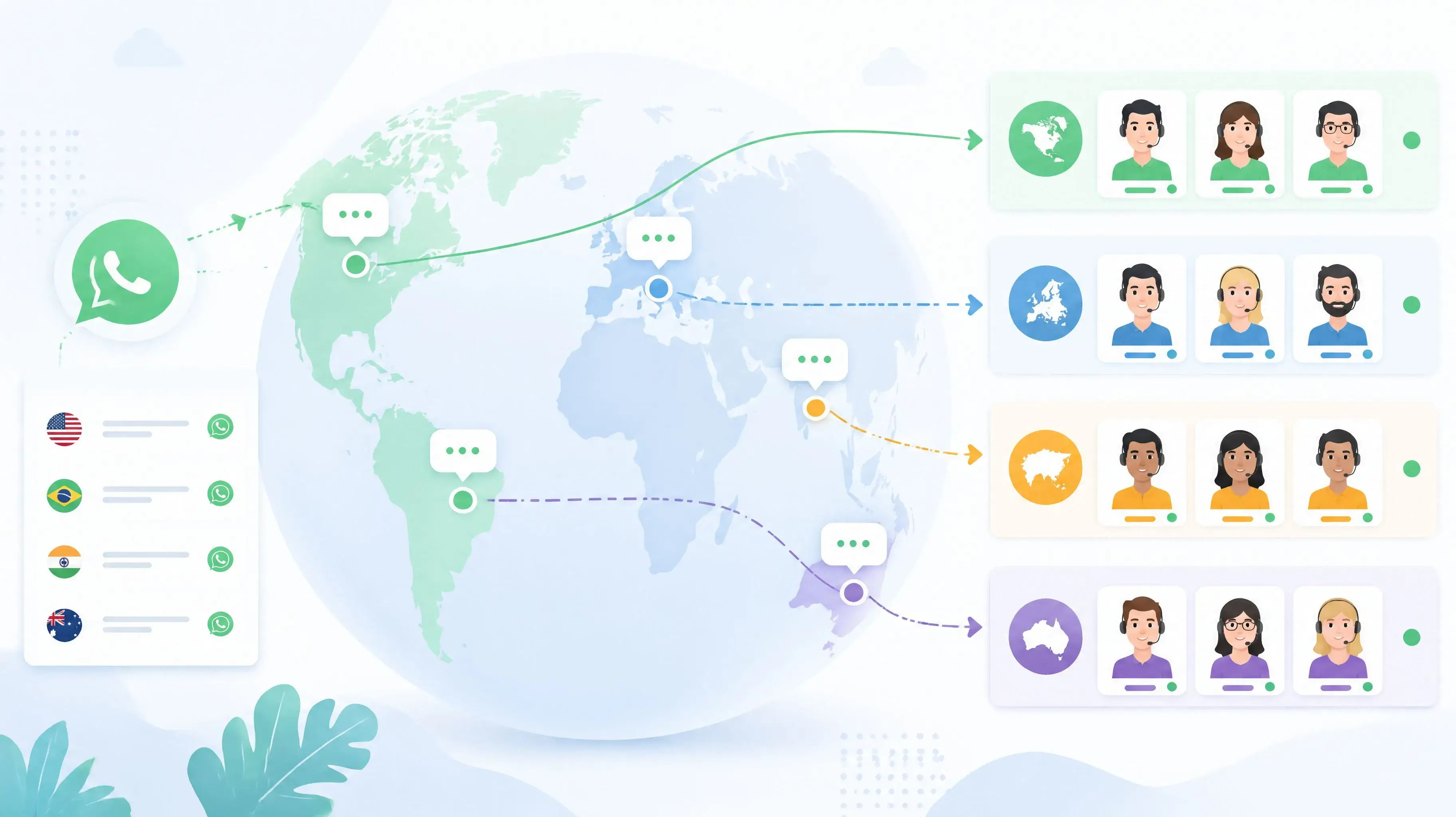
Cada botón de una página Multilink puede apuntar a cualquier lugar — incluyendo un enlace de marca para un destino limpio y memorable, o un Smart Link para que un botón de "Ventas" enrute por todo tu equipo en lugar de una sola persona. Si quieres contexto antes de que se abra cualquiera de esos chats, pon un formulario previo al chat delante del botón correspondiente.
Para el argumento más amplio sobre por qué importa el enrutamiento de autoservicio, consulta por qué tu empresa necesita una capa de contacto de WhatsApp con marca.
Herramientas gratis vs. de pago
A diferencia de las otras herramientas de WALink, Multilink resulta ser una de las pocas funciones que Walink tampoco cobra — es la excepción en su modelo de precios por lo demás medido (enlaces de marca a $9/año, destinos de Smart Link a $5/mes, formularios a $10/mes). Consulta el desglose completo de precios de WALink frente a Walink. Si estás comparando contra una herramienta de bio dedicada como Linktree en su lugar, la diferencia es que la versión de WALink está construida en torno a WhatsApp como destino de primera clase, no solo como otro enlace externo más.
Cómo empezar
Configurar una página Multilink de WhatsApp toma unos minutos: agrega los detalles de tu perfil y avatar, agrega un botón para cada destino que necesites, elige tus colores y publica. No se requiere registro para probarlo — crea una página Multilink de WhatsApp gratis y mira cómo se ve antes de comprometerte con nada.
Formularios Previos al Chat de WhatsApp: Califica Leads Antes de que Lleguen a tu Bandeja
Un "Hola" en blanco desperdicia el tiempo de tu equipo. Descubre cómo un formulario previo al chat de WhatsApp recopila contexto antes de que empiece la conversación, filtra mensajes de baja intención y acelera cada respuesta.
La Guía Definitiva de Generadores de Enlaces de WhatsApp: Aumenta la Conversión de tu Negocio
Aprende cómo usar un Generador de Enlaces de WhatsApp para crear enlaces de clic para chatear gratuitos, rastrear análisis y escalar tu soporte con funciones de Link Rotator y Smart Routing.