
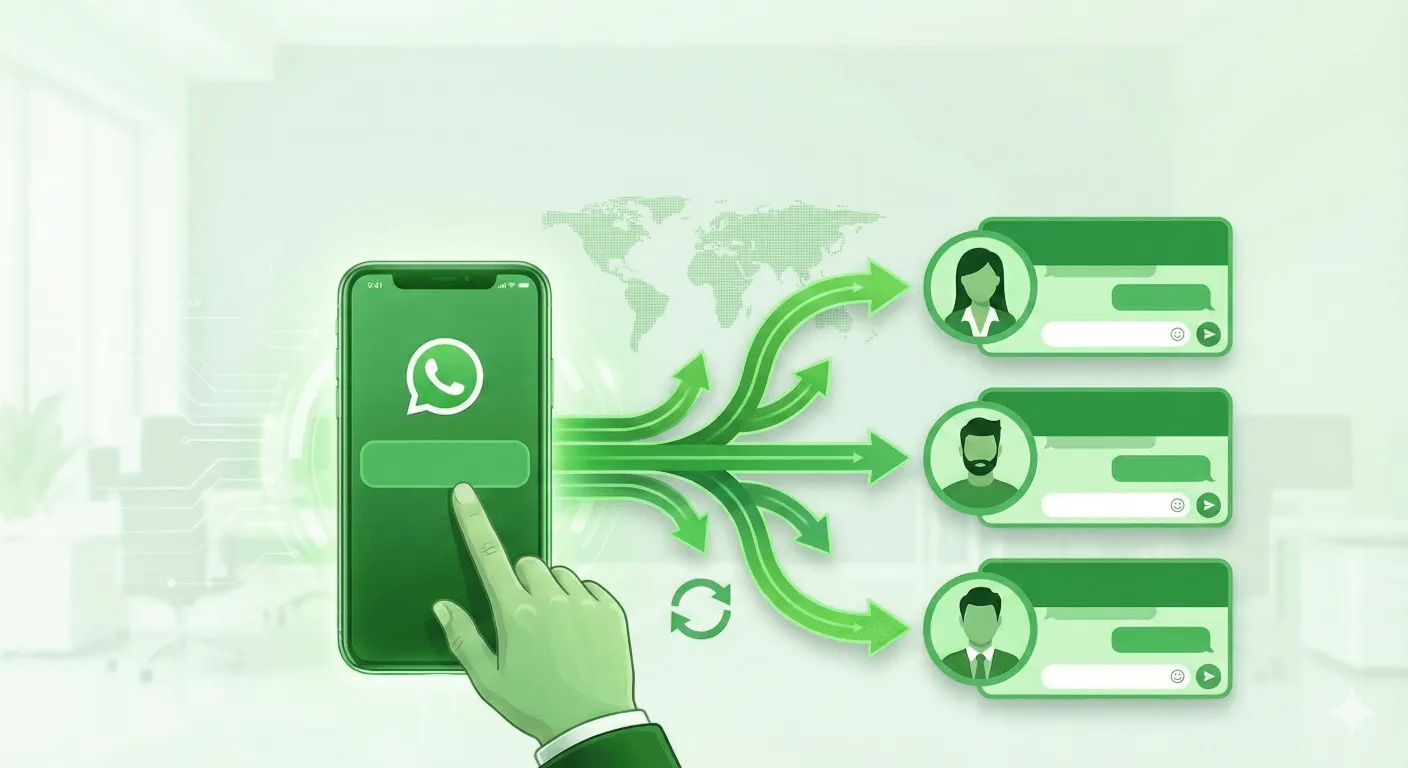
La mayoría de los equipos tratan WhatsApp como un número de teléfono: lo imprimen, lo pegan en una bio y esperan que la gente escriba. Funciona, hasta que ocurren las cosas que siempre ocurren en WhatsApp: suspenden el número, el empleado que lo gestionaba se va y se lleva la relación, o una bandeja de entrada se llena más rápido de lo que nadie puede responder.
La solución no es un «mejor generador de enlaces». Es colocar una capa de contacto entre tu marca y WhatsApp: una puerta de entrada estable que controlas por completo, mientras las partes complejas se gestionan detrás de ella.
1. Deja de exponer números personales
Cuando compartes el número directo de un miembro del equipo, estás compartiendo a una persona, no a una empresa. En cuanto esa persona se va, la relación con el cliente se va con ella.
Un enlace de marca cambia esto. Compartes wa.link/tumarca, no +1 555 0100. El enlace se asigna a una función o a un equipo, así que cuando alguien se va, vuelves a vincular el destino y los clientes permanecen con la empresa. Además, el propio enlace nunca expuso un número privado.
2. Supera las suspensiones sin tener que reconstruirlo todo
Las suspensiones son una realidad en WhatsApp: los números nuevos, el contacto masivo y los reportes pueden provocarlas. Con un número sin intermediarios, una suspensión implica reimprimir todos los folletos, actualizar cada bio y ver cómo los clientes antiguos encuentran el mensaje «número no disponible».
Con una capa de contacto, el número detrás del enlace es solo una configuración. Suspenden uno, vinculas otro, y el código QR de tu puesto en una feria y la URL de tu bio de Instagram siguen funcionando. Los clientes no notan nada.
3. Enruta los chats entre tu equipo (Smart Links)
Un solo número de WhatsApp tiene un límite claro: si respondes demasiado despacio, los leads se alejan; si lo exiges demasiado, puede ser marcado. A partir de cierto volumen, una sola bandeja de entrada simplemente no puede soportar la carga.
Los Smart Links resuelven esto distribuyendo cada chat nuevo entre tus agentes por turnos. Las conversaciones entrantes se equilibran en lugar de acumularse en una sola persona, así que nadie se ahoga durante un pico de campaña y ningún lead espera en silencio.
4. Recopila contexto antes de que se abra el chat (Formularios)
No todos los mensajes merecen una respuesta inmediata, y casi ninguno debería empezar con un «Hola» vacío. Un formulario previo al chat aparece antes de que se abra la conversación —nombre, necesidad, número de pedido, presupuesto— para que tu equipo atienda con el contexto ya en mano. También filtra el ruido: los mensajes de baja intención de quienes «solo están mirando» dejan de consumir el tiempo de tus agentes.
5. Deja que los clientes se enruten solos (páginas Multilink)
Las preguntas de preventa y los tickets de «¿dónde está mi pedido?» son conversaciones distintas para personas distintas. Cuando todas llegan al mismo número, el soporte bloquea la línea de ventas y los prospectos esperan detrás de los clientes existentes.
Una página Multilink ofrece a los clientes una página compartible con las puertas adecuadas —ventas, soporte, ubicaciones— y les permite elegir. El enrutamiento se vuelve autoservicio y cada equipo recibe las conversaciones que realmente le corresponden.
La conclusión
Un número de WhatsApp es un único punto final frágil. Una capa de contacto con marca convierte «este es mi número» en un sistema gestionado: privado por defecto, resistente a las suspensiones, equilibrado entre tu equipo, informado por un formulario y autoenrutado por tus clientes.
Esa es la diferencia entre un enlace y una infraestructura. Si WhatsApp es la forma en que captas o atiendes a tus clientes, esta capa es la parte que merece hacerse bien.
WALink: la alternativa gratuita a create.wa.link (sin tarifas por enlace)
Walink ahora cobra $9/año por enlace, $5/mes por destino de Smart Link, y $10/mes por formulario. WALink te da todo eso gratis e ilimitado — sin registro.
Enlaces de Marca WhatsApp: Por Qué wa.link/TuNombre Supera a un Número sin Formato
Un número de WhatsApp sin formato parece spam y no sobrevive a un cambio de personal. Descubre cómo funciona un enlace de marca WhatsApp, dónde usarlo y cómo genera confianza antes de que empiece la conversación.