
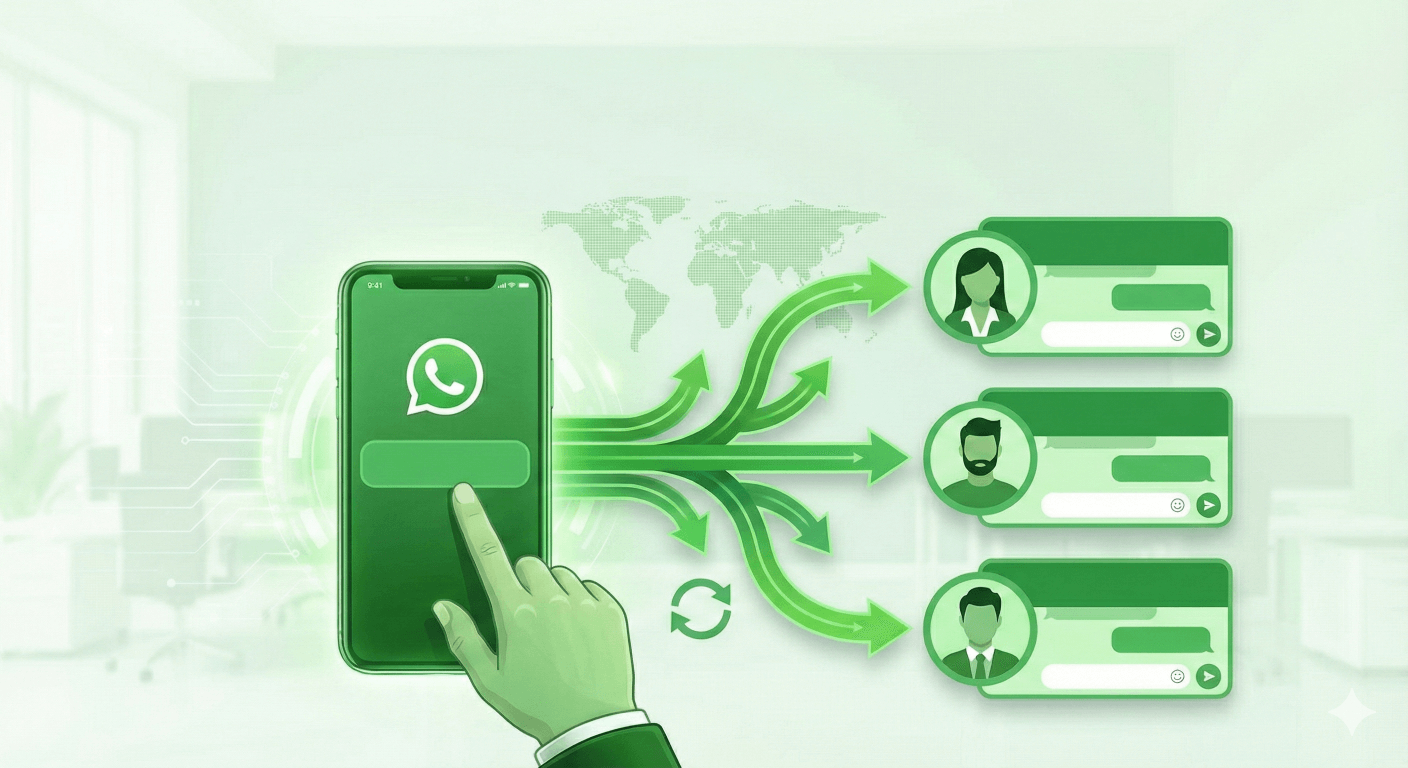
Are you losing customers because your single sales representative can't answer messages fast enough?
As your business grows, using a standard wa.me link linked to a single phone number becomes a bottleneck. Customers hate waiting. If your main agent is busy, sleeping, or on holiday, that lead is lost.
The solution isn't necessarily buying expensive WhatsApp API enterprise software immediately. You can start by simply routing traffic effectively.
In this guide, we’ll show you how to use a Free WhatsApp Multi-Agent Link Generator to create a "Team Link" that distributes incoming chats across multiple agents instantly.
The Problem with Standard WhatsApp Links
A standard WhatsApp link works simply: User clicks → WhatsApp opens → Chat starts with one specific number.
But what happens when:
- You have a sales team of 5 people?
- You run ads on Facebook/Instagram and traffic spikes?
- You have support teams in different time zones?
You can't put 5 different links in your Instagram bio. That looks messy and confuses customers. You need one link that intelligently decides which agent takes the call.
The Solution: WhatsApp Round-Robin Routing
The most effective way to manage WhatsApp Business Multiple Users without a shared inbox software is by using a Round-Robin algorithm.
What is WhatsApp Load Balancing?
Imagine you have 3 agents: Alice, Bob, and Charlie. When you use our WhatsApp Multi-Agent Link Generator, the system works like a traffic cop:
- Visitor A clicks the link → Chat opens with Alice.
- Visitor B clicks the link → Chat opens with Bob.
- Visitor C clicks the link → Chat opens with Charlie.
- Visitor D clicks the link → Chat cycles back to Alice.
This ensures fair distribution. No agent gets overwhelmed, and every customer gets a faster response time.
How to Create Your Multi-Agent Link in 3 Steps
You don't need coding skills or a credit card. Here is how to set it up using our free tool:
Step 1: Add Your Team's Numbers
Go to the Free WhatsApp Multi Agent Link Generator. Enter the country code and phone numbers for every member of your support or sales team. You can add as many agents as you need.
Step 2: Set a Pre-filled Message
Don't let the customer stare at a blank screen. Set a custom message like:
"Hello, I'm interested in your products. Can you help?"
This increases the chance of the user actually hitting "Send" by 30%.
Step 3: Generate and Geo-Target (Optional)
Click Generate Multi-Link. You will get a short, professional link (e.g., wa.link/yourbrand).
Pro Tip: Do you have customers in Brazil and the US? Use our Geo-Fencing feature. You can set rules so that clicks from Brazil automatically route to your Portuguese-speaking agents, while US traffic goes to your English support team.
Why Use a Multi-Agent System?
Besides splitting the workload, here are three reasons why 10,000+ users trust this system:
- No Login Required: You don't need to link your WhatsApp account to a third-party platform. The routing happens before the chat starts, making it Secure & Private.
- Analytics Tracking: Stop guessing. Our dashboard shows you exactly how many clicks each agent received, so you can optimize your team's performance.
- Cost-Effective: It transforms standard WhatsApp accounts into a pseudo-Team Inbox for free.
When Should You Upgrade to a CRM?
While a Multi-Agent Link is perfect for distributing chats, it doesn't help you manage them once the conversation starts.
If you face these issues:
- Agents are "stealing" each other's leads.
- You have no visibility into what your agents are typing.
- You need chatbots or automated replies.
Then it's time to upgrade to a dedicated solution like WADesk. But for getting traffic to your team efficiently? A Multi-Agent Link is your best starting point.
Ready to Scale Your Support?
Don't let your leads slip away. Create a fair, efficient, and professional WhatsApp routing system today.
👉 Click here to Generate Your Free WhatsApp Multi-Agent Link Now
Der ultimative Leitfaden für WhatsApp Link Generatoren: Steigern Sie Ihre Unternehmens-Conversion
Lernen Sie, wie Sie einen WhatsApp Link Generator nutzen, um kostenlose Click-to-Chat-Links zu erstellen, Analysen zu verfolgen und Ihren Support mit Multi-Agent-Routing zu skalieren.
How to Add a Floating WhatsApp Chat Button to Your Website (Free Tool)
Learn how to create and embed a custom floating WhatsApp Chat Button on your website. Use our free generator to boost conversions with a responsive, no-code widget.