
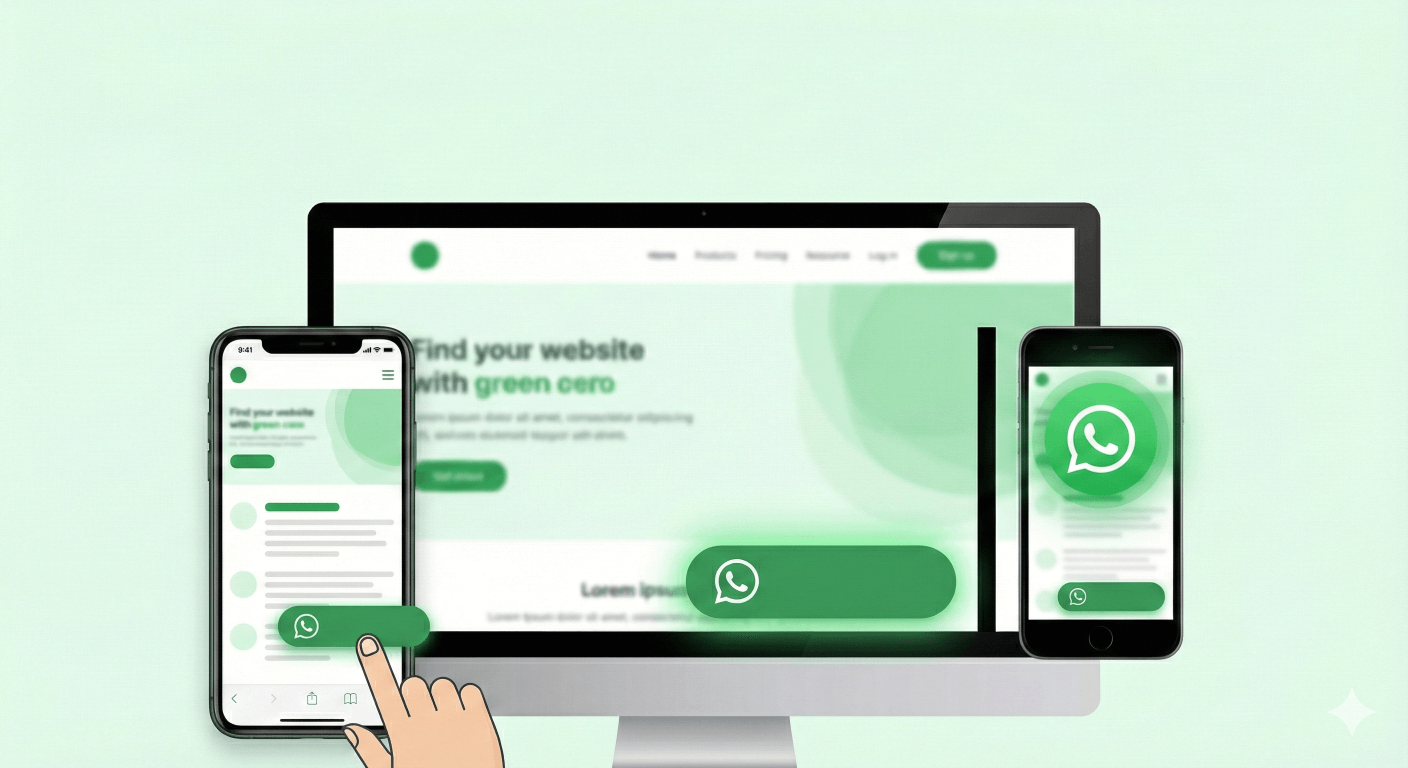
In today's fast-paced digital world, customers expect instant answers. Contact forms feel slow, and email support can take days.
If you run a business website, the fastest way to connect with your visitors is through the app they already use every day: WhatsApp.
But simply pasting a plain text link isn't enough. It's easy to miss and looks unprofessional. You need a Floating WhatsApp Chat Button that stays visible, looks great, and encourages users to click.
In this guide, we'll show you how to use our Free WhatsApp Chat Button Generator to create a custom, responsive button for your site in under 2 minutes.
Why You Need a Floating Chat Button
A "Sticky" or "Floating" button means the icon stays attached to the bottom corner of the screen as the user scrolls down your page.
This is crucial for mobile users. Whether they are reading your blog, checking pricing, or viewing your gallery, the "Chat with Us" option is always right there near their thumb.
Key Benefits:
- Higher Conversion: Direct access to support increases trust and sales.
- Professional Look: Customize colors and icons to match your brand.
- Mobile Optimized: Designed specifically for smartphone screens where WhatsApp usage is highest.
How to Create Your Button (No Coding)
You don't need a developer to do this. Just follow these simple steps using our free tool:
Step 1: Customize Appearance
Go to the WhatsApp Chat Button Generator.
- Button Text: Change "Chat with us" to something actionable like "Get a Quote" or "Support".
- Colors: Match your brand's color palette.
- Position: Choose Bottom Left or Bottom Right.
Step 2: Set Your Number and Message
Enter your WhatsApp number (with country code). Then, set a Pre-filled Message.
- Example: "Hello, I saw your website and have a question." This makes it easier for the user to start the conversation without typing.
Step 3: Generate & Embed
Click "Generate Code". You will get a clean, lightweight HTML snippet.
- Copy the code.
- Paste it into your website's
<body>or footer section.
That's it! Your button is now live.
Advanced Tip: Track Your Clicks
Want to know how many people are actually clicking your button?
Instead of just using a raw phone number, you can use a Trackable Chat Link inside your button configuration.
- First, create a link with our Link Rotator.
- Select "Generate by Chat Link" in the Button Generator.
- Paste your tracked link (e.g.,
wa.link/xyz).
Now you get the best of both worlds: a beautiful floating button and detailed analytics on your traffic.
ready to Boost Your Leads?
Don't let visitors leave without saying hello. Make yourself accessible with a professional chat button.
How to Add Multiple Phone Numbers to One WhatsApp Link (Free Link Rotator Tool)
Learn how to use WhatsApp Link Rotator with Smart Routing to distribute chats across your support team. Discover Lead Distribution and Round-Robin routing without expensive APIs.
Create a Custom WhatsApp Chat Widget for Your Website (No Code Guide)
Build confidence with a professional WhatsApp Chat Widget. Learn how to generate a custom customer support persona for your site using our free tool.